When I first started working in TRIRIGA, the desire to have a true in memory only object was one of the things that Application Developers requested from the platform development team. Having to create a record, state transition it, and then state transition it again to delete it causes a lot of database overhead that isn't needed and leaves workflows less efficient than they could be. Fortunately, the platform development team delivered the ability to have in memory only objects.
Once the functionality was released, I quickly added their use as one of my tools in my workflow optimization career. I always write my workflows with performance in mind, so in only objects are also something I will use frequently. There has always been one major drawback to their use though, and that was troubleshooting. Even with workflow instance save on, you don't have the ability to see what the values are in the record. This lack of visibility makes troubleshooting near impossible.
To get around this deficiency the only thing you could do was deselect the checkbox and go back to using a regular TRIRIGA record until you validated your functionality. This means if you're doing proper cleanup after yourself you need to add a task to remove the object now that it is no longer in memory only. This isn't so bad, with new functionality that you are creating, but it is very cumbersome when you are troubleshooting someone else's work.
Take for instance the Real Estate Lease application. It has a very heavy reliance on calculation helper records. Troubleshooting is a nightmare because all of the helpers have been converted to in memory only objects. Then it gets compounded by the fact that there are calculation helpers that feed into other calculation helpers. It's enough to make you want to pull your hair out. The last thing you want to do is modify a bunch of out of the box workflows just so you can see what's going on. There is just too much potential for human error. What if you forget to set them back?
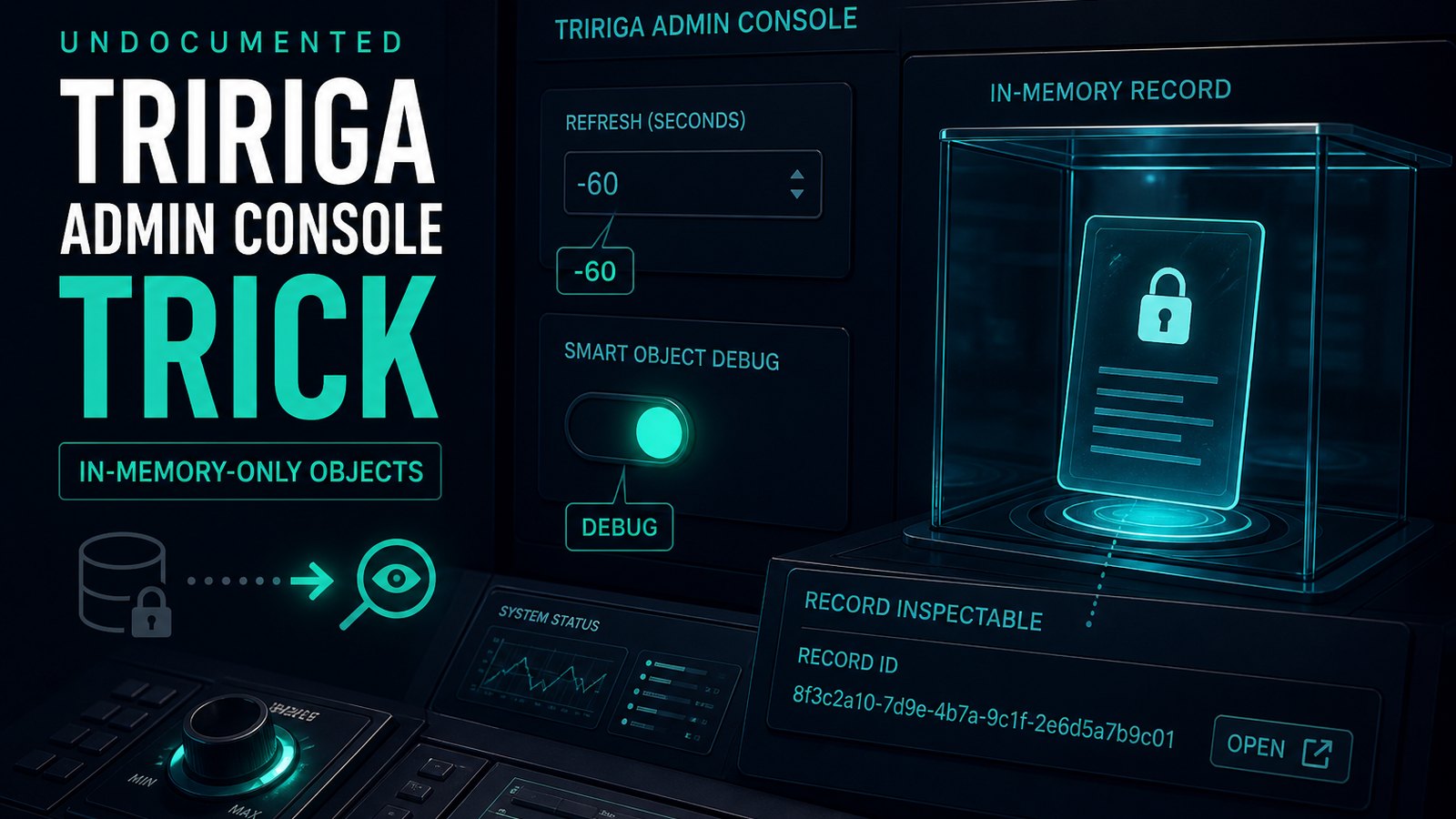
Fortunately, there is a better way! There is an undocumented feature in the admin console that we can take advantage off that will let us see into an only object so that we can know what it's values are. To access these hidden features you must log in to the admin console. First, ensure that the workflow instance save is set to always in the Workflow Agent Manager. Then select the Workflow Events radio button and in the "Refresh every ... Seconds" box type in -60 and hit apply. It's -60 in the 3.5.3 platform. If memory serves me correctly it used to be -1 in some of the previous platforms, but I can't say for sure. Now set the Smart Object setting to DEBUG and then click apply. The screen should look like this:
Once this has been done, run through your process again and then go and check your workflow instance. This time when you click on the results for an object you'll see that there is a Record ID that is linked so that you can open it up and see the values.
Now you can have all of the advantages of using an only object without any of the painful troubleshooting.
Comments (0)
No comments yet.
Sign in to comment.