This article was written on LinkedIn back before Object Labels were in use. OOTB objects are no longer renamed so it doesn't really apply. However, the issues it raises can still show up if you rename custom objects. So, it is still good to be aware of.
I am a big proponent of using a Naming Convention while doing development in a TRIRIGA environment. In fact I have created the TRIRIGA Dash Notation naming convention, which I consider to be a superior naming convention. However, there is a downside to following a naming convention that I want to expose. Please do not mistake the following as a reason to not use a naming convention but rather a call to recognize the downside and to be proactive in mitigating the risks.
The Downside to using a naming convention is tied specifically to the instruction to rename customized out of the box objects. When Forms or Queries are renamed there is a chance that some existing functionality is getting broken in the process. For forms, it is workflow tasks that potentially get broken by the rename. For queries, it is extend formula fields that potentially get broken by the rename.
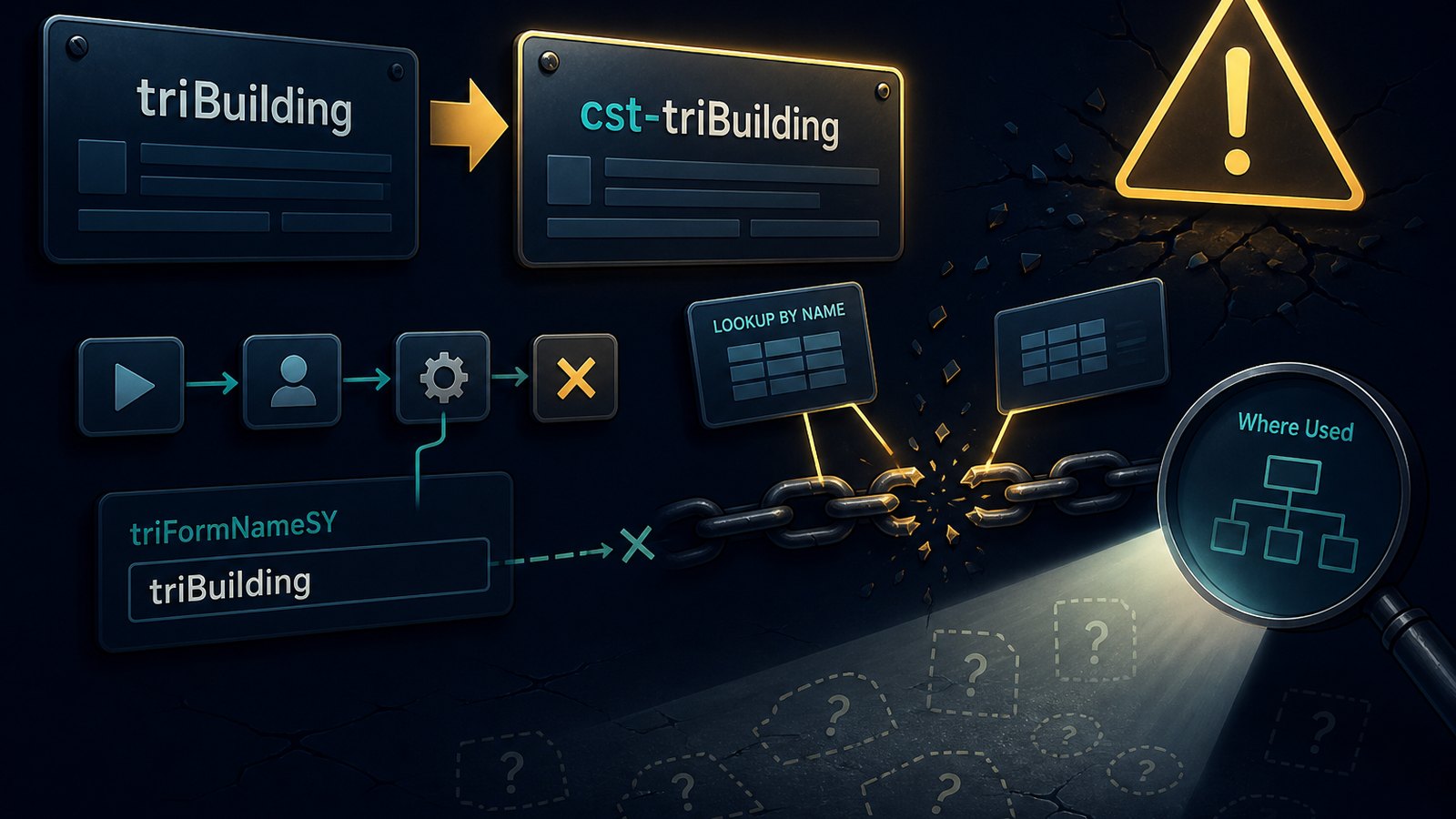
For forms, the downside is that when forms are renamed it will cause any workflow task that uses a parameter to get the form name, or filters on the form name to fail and no longer function as designed. The way the form name is checked by the workflow task is by use of the triFormNameSY field. It is very common for a switch task or even a start task to check a form name and then adjust the logic that gets executed accordingly. The triFormNameSY field is also used by a filter on a retrieve records task or a query task to determine the form name.
The worst part about this problem is that there really isn't an easy way to find the impact within the user interface. Within the user interface only some of the impacts can be found. The only method to find all of the workflow tasks impacted is to do the check in the database via SQL. Writing that SQL script is no trivial exercise. I know because I have written one that finds all the places a form name is used as a parameter or as a filter on a query task or retrieve records task.
Within the user interface, some of the impacts can be found by making use of the "Where Used" functionality within TRIRIGA. There isn't a "Where Used" on the actual form that can be used to identify where the form name gets used. However, since the workflow is really comparing the triFormNameSY field, which contains the form name and not the actual name field on the form, the "Where Used" functionality can be used on the field in the data modeler tool for the corresponding business object. The only caveat to using the "Where Used" functionality on the triFormNameSY field is that it will not return all of the workflow tasks that utilize the form's name. It appears to not find where it is used as a filter, and there may also be more that is missed as I don't know what all that the "Where Used" functionality checks.
For queries, the downside is that there is the potential to break an extended formula field that is pointing to the query. In the database an extended formula points to its source query using the query's name and not the query's ID. Since only the query name is used and stored in the formula's parameter string, which is what the system uses to lookup the appropriate query. Once the query is renamed the extended formula can no longer find it, resulting in a broken formula.
The good news here is that this can be checked against in the user interface by utilizing the "Where Used" functionality. For a query, the "Where Used" functionality is on a separate tab within the query builder tool so it can only be accessed by opening the query within the tool. Doing the "Where Used" check will return any formula fields that are using the query, so they can be noted and fixed after renaming the query.
Being aware of the ramifications of renaming forms and queries allows for the fixing of the issues created by the rename immediately rather than waiting for it to pop up later. In software development the sooner a bug is identified and fixed, the cheaper it is to fix. So be aware and be proactive in your TRIRIGA development and whenever a form or query must be renamed, be sure to check for the impact and fix any bugs introduced immediately.
Comments (0)
No comments yet.
Sign in to comment.