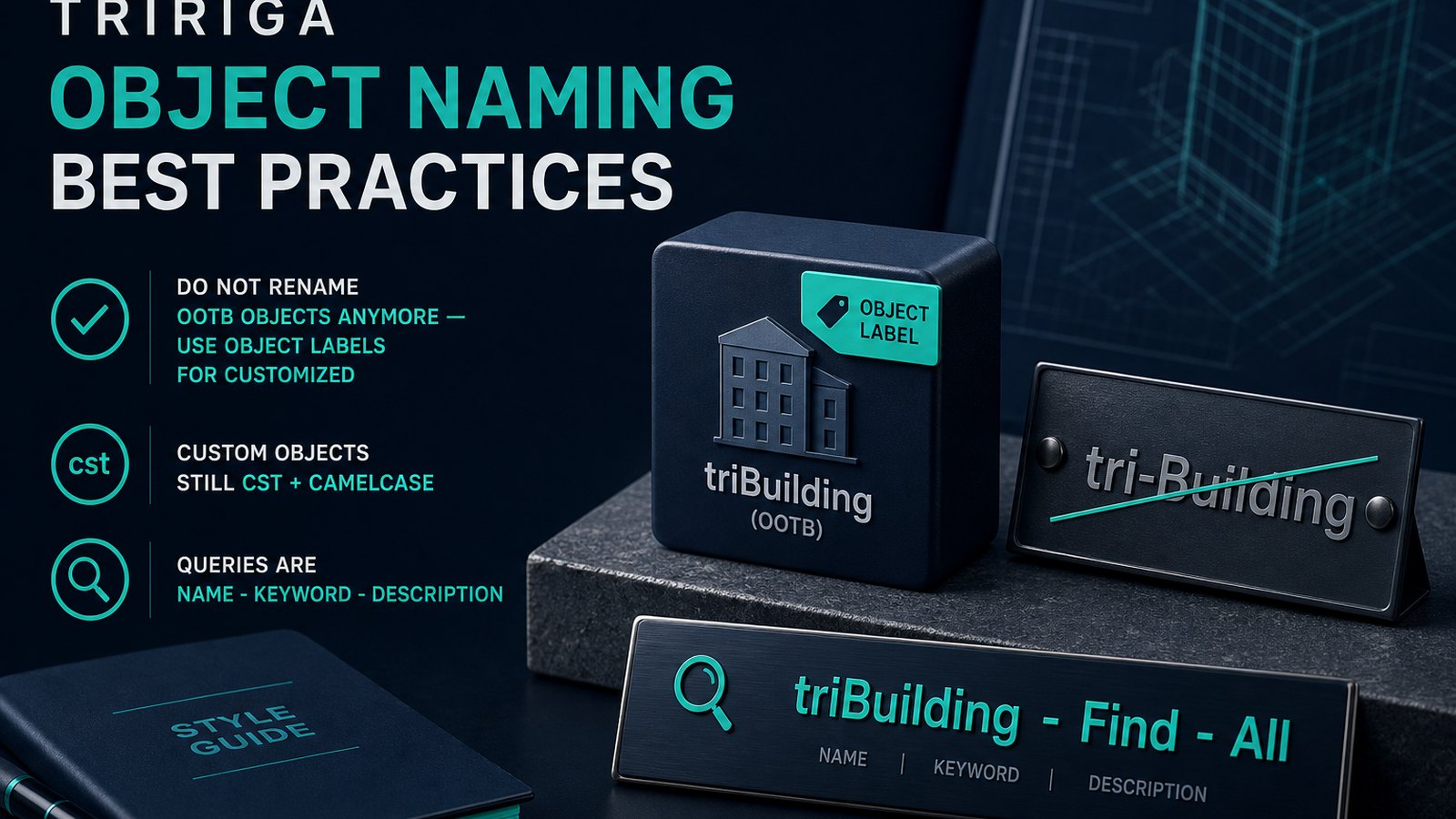
It has been a little over seven years since I first published an article on the TRIRIGA Dash Notation Naming Convention. In that time, TRIRIGA has moved away from renaming objects to indicate that they have been customized and instead now Object Labels are used for that purpose. Since so much has changed I felt like the information should be refreshed and updated. You can also use this article as a guide or cheat sheet while doing your development. See https://www.linkedin.com/pulse/tririga-dash-notation-naming-convention-mark-johnson for the original article.
The following naming convention should be used for all TRIRIGA development. Strict adherence to this standard will create a more developer friendly environment and will also result in less expensive and faster application upgrades.
For more on TRIRIGA development be sure to subscribe to my YouTube channel: markRIGA.
General Object Name Rules
Objects are no longer renamed to indicate that they have been customized. So, the Dash Notation no longer applies to object names. The Object Label should be used instead to indicate if an object has been customized. If it has been customized, then it should have a non-IBM prefixed object label.
Objects should be named based on the object type and level in which they are being executed against. Custom objects should also be prefixed cst then followed by the object type/level that they are executing at. If the object type is a custom object you do not prefix it with an additional cst.
There are only three levels an object can be executed against. Those are Module Level, BO Level, and Form Level. If the object is executed against a single form then it is Form Level. If it is executed against multiple forms then it is BO Level. Finally, if it is executed against multiple BOs then it is Module Level
Form Name Rules
Generally a form should have the same name as it's underlying BO unless a form with that name already exists.
Form Name Examples
If you needed to create a brand-new custom form for the triOption BO, the name of the form would be cstTriOption. Notice the Capital T in Tri. This is done to keep with the camel casing standard as well as it improves readability over csttriOption.
If you are creating a new form for a custom business object named cstOption then the name of the form would be cstOption.
Query Name Rules and Examples
It is generally best to copy an out of the box query and use the copy rather than customize the query. Sometimes that isn't really feasible though if the query is in use in a lot of places.
Query Name Format
The name of a query is broken up in to three parts
Name of the object and level the query is running against.
Keyword that indicates how/where the query is used
Description of what the query does
Each part of the query name is separated by a - that is preceded by and followed by a space. <space>-<space>
Put all together it looks like this: cstName of Object Query Is Running Against - Keyword - Description
Query Usage Keyword
Admin: A standalone query that is used by system administrators — Ex: cstTriEmployee - Admin - Retired Employees
BIRT: A query that is used as a data source for a BIRT Report — Ex: cstLocation - BIRT - Environmental Impact Report
Debug: A temporary query used to help isolate data issues. — Ex: cstTriPaymentLineItem - Debug - Active PLIs Associated to Payment Schedule
Display: A query to display data in query sections — Ex: cstTriPaymentLineItem - Display - All PLIs for Process AR Receipts
Filter: A query to filter data for another query via an Association filter — Ex: cstTriPeople - Filter - Active Users
Find: A query for Find action of a locator or section. — Ex: cstTriSpace - Find - Spaces Associated to Current Floor
Formula: A query to provide input values for extended formulas. — Ex: cstTriPaymentLineItem - Formula - PLI Tax Included
Graph: A chart or graph report intended for end users — Ex: cstTriBuilding - Graph - Portfolio By Tenure
Graphics: Graphics Editor report — Ex: cstTriSpace - Graphic - Occupancy Status
HGrid: Hierarchical query for nesting queries — Ex: cstLocation - HGRID - Location Checklist
Manager: As of TRIRIGA platform 3.0 there are no longer any Managers, they were replaced by Portals with Master/Detail queries. However, the term manager query has become synonymous with a query that returns all records and usually has actions such as add and delete. — Ex: cstWidget - Manager - All Widgets
Metric: A query for metric in a form — Ex: cstTriAssetEnergyUseMFact - Metric - Monthly Electric Energy Use
Portal: A query for use in a portal section — Ex: cstTriStandardContract - Portal - My Company
Report: A report intended for standalone running (usually by end users) — Ex: cstTriEmployee - Report - All Active Employees and Their Manager
Workflow: A query for use in a workflow Query task. These queries should be optimized for workflow and should not do any sorting. — Ex: cstTriCountry - Workflow - All Countries
Query Name Examples
If you are creating a new module level custom query against the BOs in the triContract module, then the query would be named like cstTriContract - Display - Associated to Retail Location.
If you are creating a new BO level custom query against the triRealEstateContract BO, then the query would be named like cstTriRealEstateContract - Display - Associated to Retail Location
If you are creating a new form level custom query against the triRealEstateLease Form then the query would be named like cstTriRealEstateLease - Display - Associated to Retail Location
If you are creating a query against a custom business object named cstLeaseAbstract then the query would be named like cstLeaseAbstract - Display - Associated to Retail Location.
Workflow Name Rules
Workflow Name Format
The name of a workflow is broken up in to four parts but most workflows will only use three.
Name of the object and level the workflow is running against.
How the workflow is triggered
The secondary object of the event. (This is only used for Associate and De-Associate event based workflows)
Description of what the workflow does
Each part of the workflow name is separated by a - that is preceded by and followed by a space. <space>-<space>
Put all together it looks like this: Name of Object and Level Workflow Is Running Against - How Workflow is Triggered - Description
For Associate or De-Associate event based workflows it looks like this: Name of Object and Level Workflow Is Running Against - Associate - Secondary Object - Description
Workflow Object and Level
Form Level – Single Form is specified: Ex: cstTriEmployee
BO Level – All forms: Ex: cstTriPeople
Module Level – All Bo's and All Forms: Ex: cstTriContract
Workflow Trigger Type
Synchronous - called workflow. It may be triggered by being called via sub-action, form-action, field-action, pre-create, pre-load, or from another workflow.
Subflow - called workflow that may only be triggered by being called from another workflow.
Event the Workflow is listening for (Asynchronous): Ex: Associate
Workflow Description
The workflow description is a very short set of words that are used to convey the main purpose of the workflow.
Workflow Name Examples
If you are creating a new custom workflow against the triOption object then the workflow would be named like cstTriOption - Synchronous - Permanent Save Validation.
If you are creating a custom asynchronus workflow that listens for the associate event between the triPeople and triBuilding objects then the workflow would be named like cstTriPeople - Associate - triBuilding - Set Building Details.
If you are creating a new workflow against a custom BO cstOption then the workflow would be named like cstOption - Synchronous - Permanent Save Validation.
Workflow Task Label Rules
If you need to customize an existing OOTB Tririga Workflow Task, add the prefix cst- to the existing label. Note that there is no space either prior to or after the dash. For example if it was a modify records task with a label of Set Important Fields was customized to add some additional mappings, then the label would be changed to cst-Set Important Fields
If you need to create a brand-new custom element, cst without a dash and no space.
Switches do not currently support applying a task label and there currently is no best practice way to indicate if a switch has been customized.
Even in pure custom workflows every task should be prefixed with cst. The reason for this is due to risk management. By always doing something one is more likely to do it when needed versus only doing it sometimes. This is human nature at work. The process that introduces less risk in to the system is superior to the one that doesn't.
The prefix is only meant to show if the task is custom or customized. Do not add additional cst prefixes to custom workflows that have tasks that are further configured.
Workflow Task Label Examples
Modified OOTB tasks should be prefixed with a cst- on their label. For example: cst-Get Building
New tasks should be prefixed with a cst on their label. For example: cstGet Building.
Workflow Variable Task Naming Rules
See my existing article: https://www.linkedin.com/pulse/tririga-workflow-variable-tasks-naming-convention-mark-johnson
Comments (0)
No comments yet.
Sign in to comment.